
Turn "Can I Book a Visit?" into a Qualified Lead with Your Chatbot
How to spot booking intent in chat, collect a preferred date and time, and send the request to your team before the visitor leaves.
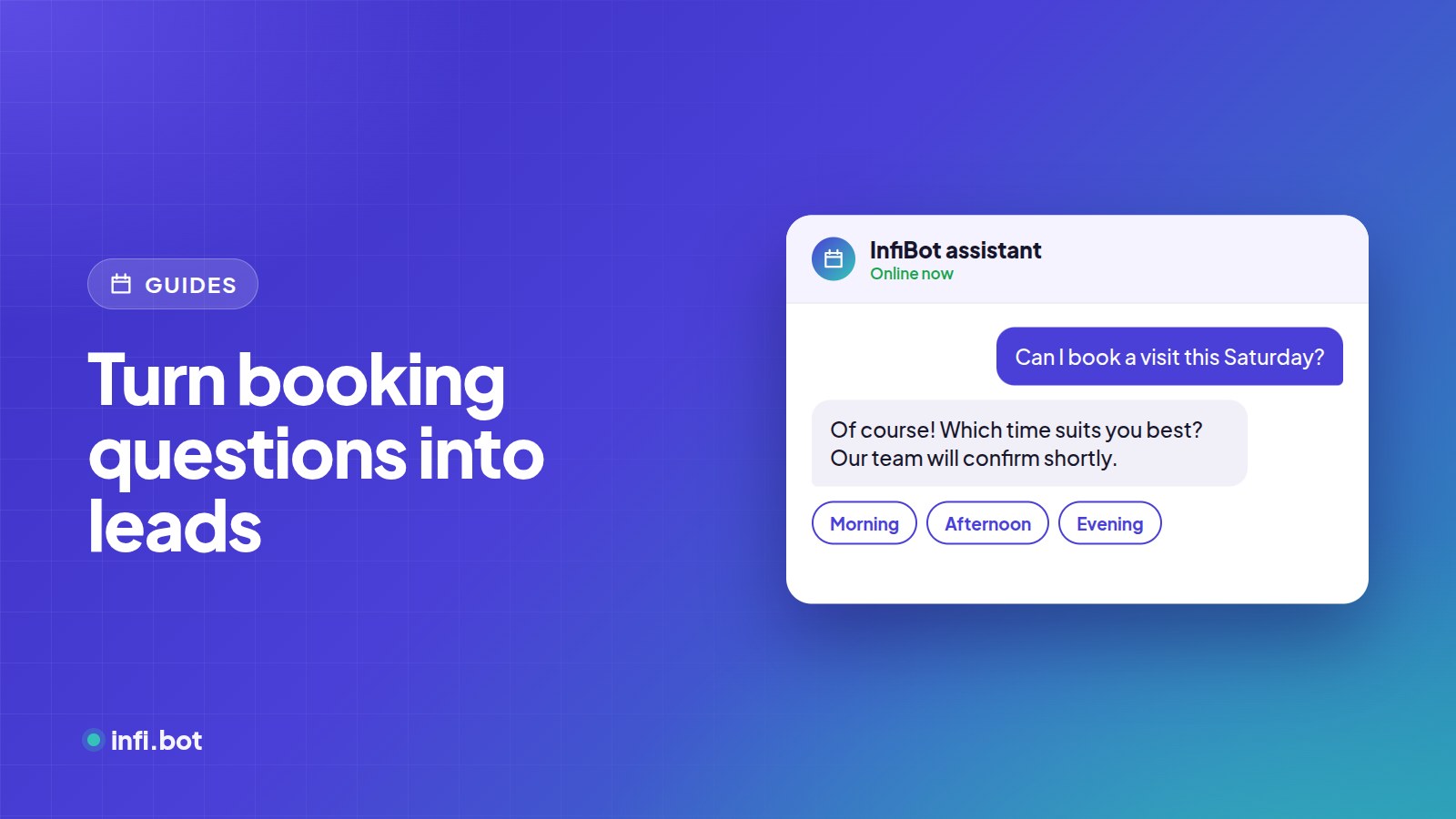
TL;DR: When a visitor asks to book, visit or schedule, your chatbot should recognise the intent, collect a preferred date and time with a short form, and send the request to your team immediately. Your team then confirms it.
Why booking requests deserve special treatment
"Can I book a visit?" is the strongest buying signal in any chat. It is worth more than ten questions about features. If the bot just says "please call us", many visitors won't.
Step 1: Detect booking intent
InfiBot tracks booking intent in conversations as a lead signal. You can make it a qualifying requirement, so these chats are always delivered to your team.
Step 2: Collect the details in one go
Use a form step in the workflow builder with:
- Name and phone (prefilled on WhatsApp)
- Preferred date
- Preferred time window (morning, afternoon, evening)
- Service or property of interest
- Any notes
On WhatsApp the form can open as a native screen with a date picker. On your website it appears inside the chat.
Step 3: Deliver instantly
Send the request to Google Sheets, email, or your booking system through a webhook. Include the conversation so your team knows the context.
Step 4: Confirm like a human
Your team calls or messages to confirm. Speed matters: a confirmation within an hour feels like great service.
Example flows by industry
| Industry | What's booked | Extra question |
|---|---|---|
| Real estate | Site visit | Budget and BHK |
| Clinics | Appointment request | Doctor or department |
| Automotive | Test drive | Model and fuel type |
| Education | Campus tour or counselling | Course of interest |
| Hospitality | Table or room enquiry | Number of guests |
Frequently asked questions
Can the chatbot confirm the slot itself?
InfiBot captures the request and hands it to your team, who confirm it. That avoids double bookings when calendars change.
What if the visitor doesn't finish the form?
Partial details are still saved with the conversation, and on WhatsApp an automatic follow-up can nudge them.
Can I limit booking to working days?
Yes. Ask for a preferred day and offer only the options you want in the form.