
How to Follow Up with WhatsApp Leads Who Go Quiet (Automatically)
Set up gentle, automatic WhatsApp follow-ups for leads who stop replying, while staying inside WhatsApp's 24-hour messaging window.
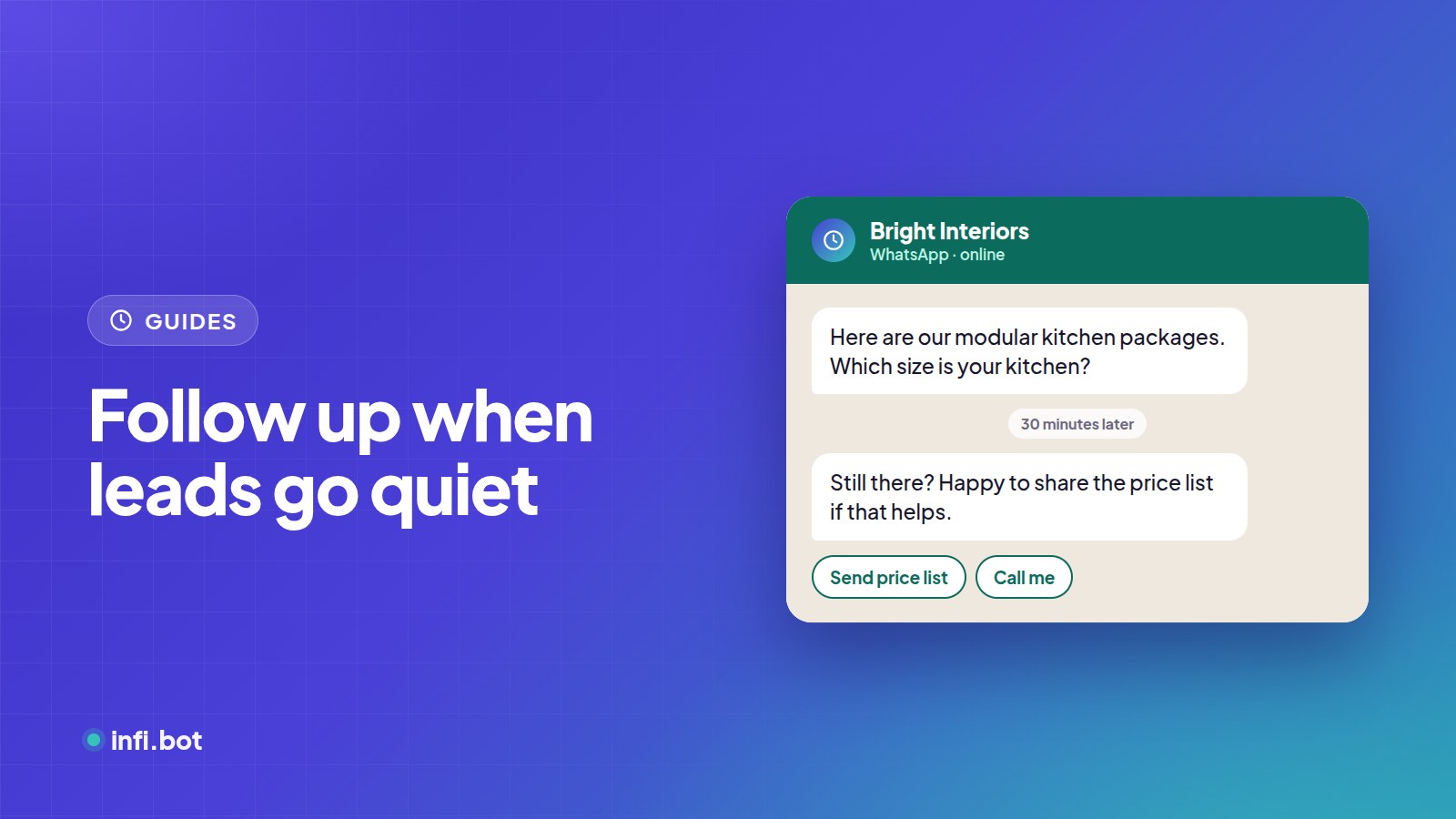
TL;DR: Many leads go quiet mid-conversation because they got busy, not because they lost interest. An automatic follow-up after a set silence, sent inside WhatsApp's 24-hour window, brings a good share of them back.
Why leads go silent
- They were interrupted.
- They needed to check with someone.
- The last question felt like too much effort.
- They're comparing options.
A short, helpful nudge solves most of these.
WhatsApp's 24-hour rule
After a customer's last message, you have 24 hours to send free-form messages. After that, you can only send pre-approved template messages, which Meta charges for. InfiBot sends follow-ups only while the window is open, so they are normal replies. See WhatsApp Business API pricing.
Setting up a follow-up rule
In InfiBot, create a follow-up rule with:
- Silence delay: how long after the customer's last message, for example 30 minutes or 3 hours.
- Message: what to send.
- Active: turn it on or off any time.
You can create more than one rule, for example a gentle nudge after 30 minutes and a final one after 6 hours.
Follow-up messages that work
| Delay | Message |
|---|---|
| 30 minutes | "Still there? Happy to share the price list if that helps." |
| 3 hours | "Just checking in. Would you like a quick call from our team instead?" |
| 20 hours | "Last message from me today. Reply anytime and I'll pick up where we left off." |
Keep them short, useful and easy to answer with one tap.
What to avoid
- More than two or three follow-ups.
- Pushy language like "Final chance!"
- Repeating the same question they ignored.
Frequently asked questions
Do follow-ups cost extra?
Inside the 24-hour window they are free-form replies, not charged template messages.
Can I follow up website chats too?
Follow-up rules are for WhatsApp, where messages reach the customer's phone. On the website, capture contact details early instead.
Will follow-ups annoy customers?
Not if they are few, polite and helpful. Stop once the customer replies.