
12 Lead Capture Questions Your Chatbot Should Ask (and When to Ask Them)
The questions that turn a chat into a qualified lead, in the right order, so visitors don't feel interrogated.
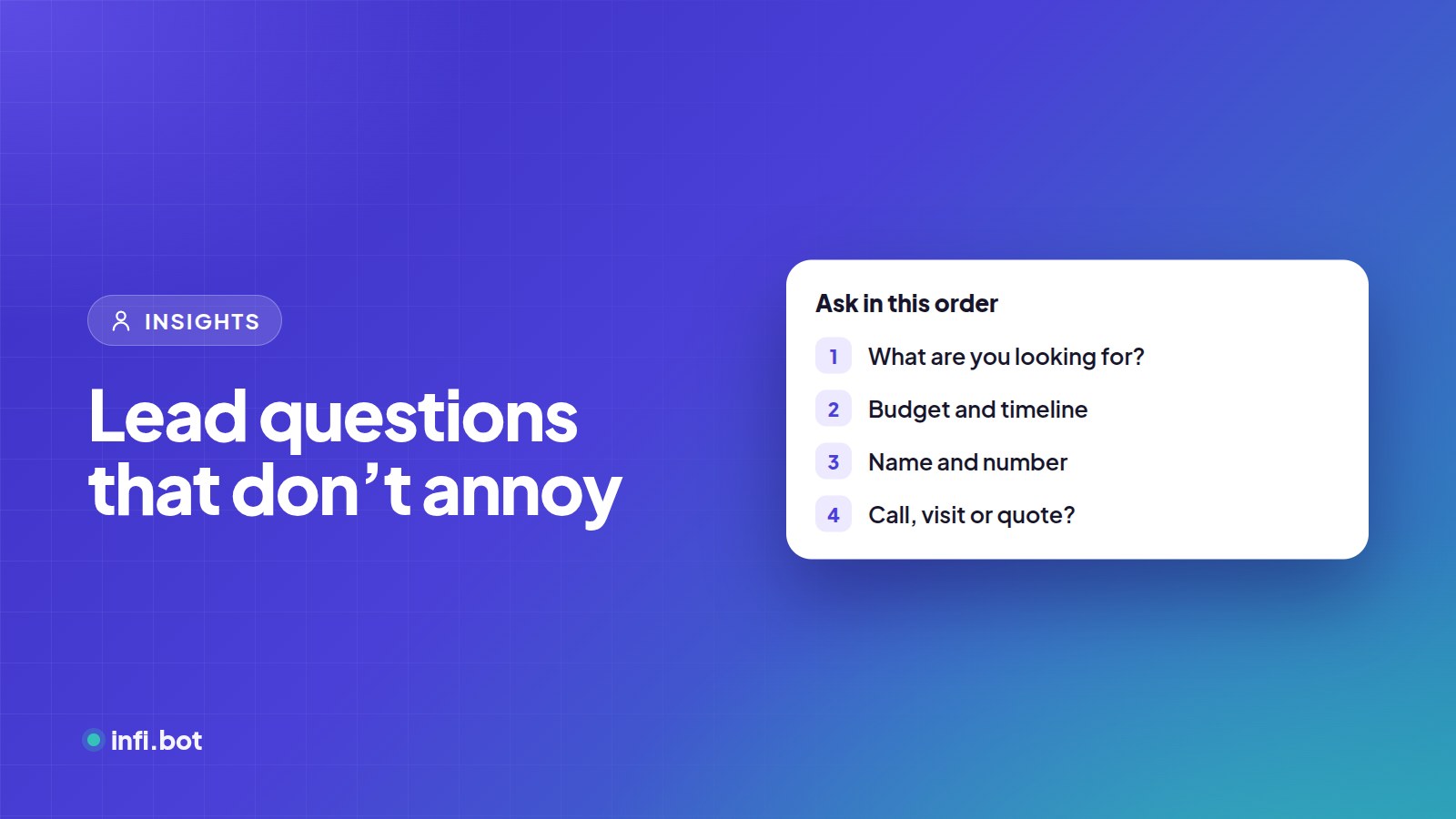
TL;DR: Help first, then ask. Start with one question about what the visitor needs, answer it well, and ask for contact details only when you've given value. Keep qualification to three or four questions.
The golden rule
Every question should help the visitor or help your team help them. If you won't use the answer, don't ask.
Stage 1: Understand the need
- What are you looking for today? (buttons work best)
- Is this for you, or for your business?
- Which service or product interests you most?
Stage 2: Qualify
- What's your budget range? (offer ranges, not an open box)
- When are you hoping to start or buy?
- Where are you located? (for service areas and branches)
- How many people, units or users? (for quotes)
Stage 3: Capture contact details
- What's your name?
- What's the best number to reach you? (skip on WhatsApp, where it's known)
- Email, if you'd like the details in writing?
Stage 4: Convert
- Would you like a call, a visit or a quote?
- When's a good time for us to reach you?
When to ask for contact details
| Situation | Ask for details |
|---|---|
| After a helpful answer | Yes, this is the best moment |
| When they ask for a quote or booking | Yes, it's needed |
| In the very first message | No, it feels like a gate |
| After two failed answers | Offer a human instead |
Define what "qualified" means
In InfiBot, set lead requirements, such as "phone number captured" and "service chosen", and choose whether all or any must be met. Only qualified leads are delivered to email, Google Sheets or your CRM.
Frequently asked questions
How many questions is too many?
More than four before helping is too many. Spread them through the conversation.
Should I use forms or one question at a time?
Short forms are faster for three or more fields. On WhatsApp, native forms work especially well.
What if they refuse to share a number?
Offer email, or let them continue chatting. A helpful chat often earns the number later.