
Best AI Chatbot for Small Business Websites in India: 2026 Buyer's Guide
A buyer's guide for Indian small businesses: chatbot types, a 7-point checklist, red flags, and how to run a one-week trial that proves value.
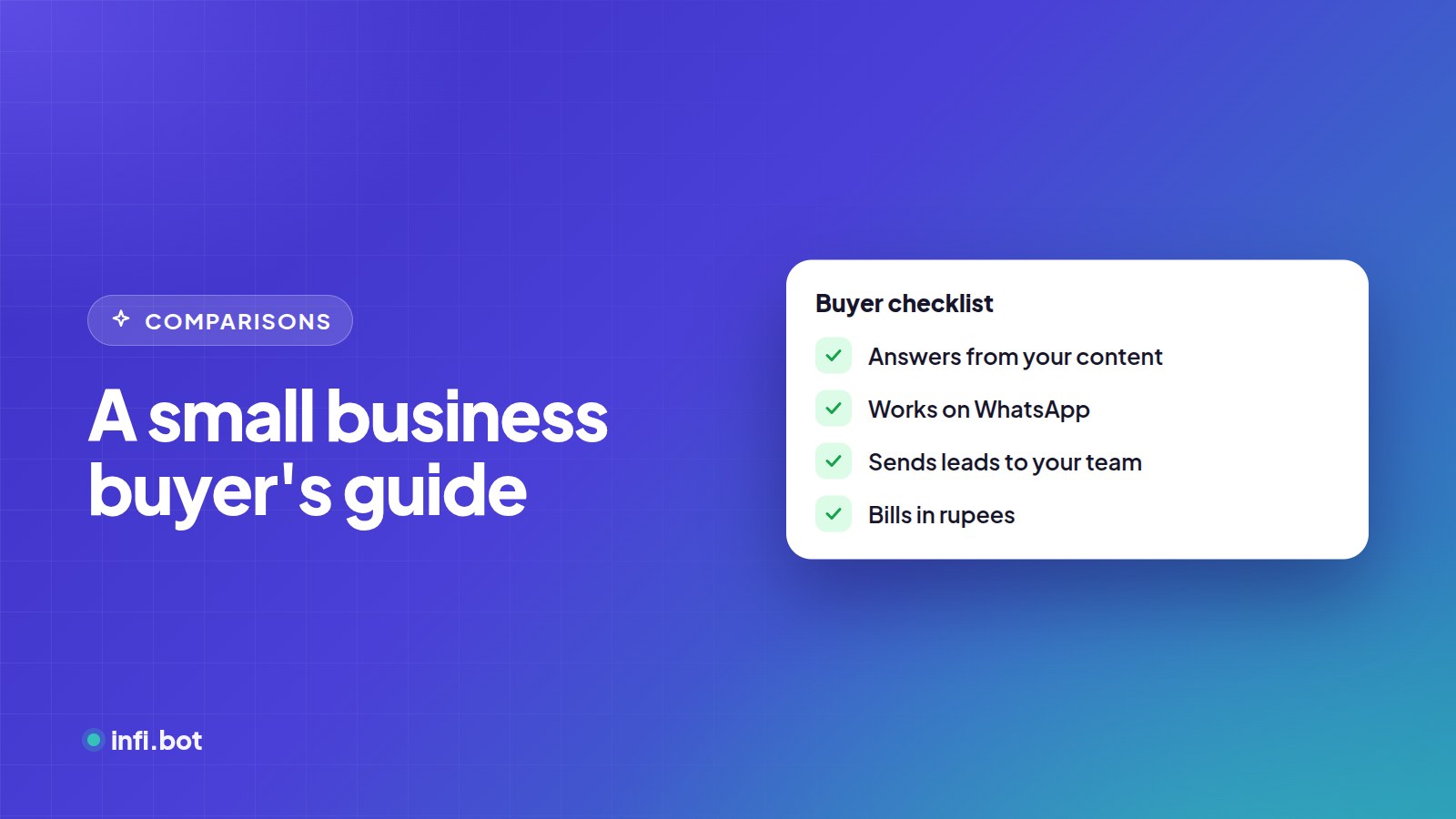
TL;DR: The best chatbot for an Indian small business answers only from your own content, works on WhatsApp as well as your website, sends leads where your team already works, lets a person take over, and bills in rupees. Use the 7-point checklist below, then prove it with a one-week trial on your real questions.
Which type of chatbot do you need?
| Type | What it does | Good for | Limits |
|---|---|---|---|
| Rule-based | Fixed buttons and menus | Very simple, predictable questions | Breaks when customers type anything unexpected |
| Live chat with AI help | People chat, AI suggests or answers some questions | Teams online all day | Needs staff available |
| AI chatbot trained on your content | Answers any question from your pages and PDFs | Most SMBs with repetitive enquiries | Needs accurate source content |
| Hybrid | AI answers plus guided buttons and forms | Lead capture and bookings | Slightly more setup |
Most small businesses get the best return from an AI chatbot with a few guided buttons for common actions like "Get prices" or "Book a visit".
The 7-point checklist
1. Does it answer only from your content?
You should choose exactly which website pages and documents it learns from. Generic internet answers about your prices or policies damage trust. Read how to keep your chatbot accurate.
2. Does it work on WhatsApp?
For many Indian customers, WhatsApp is the default way to contact a business. One bot for website and WhatsApp halves the setup and keeps answers consistent. See website vs WhatsApp chatbots.
3. Where do leads go?
Look for delivery to email, Google Sheets or your CRM, and rules for what counts as a qualified lead. A chat log is not a lead.
4. Can a person take over?
Complaints, negotiations and urgent requests need people. Check for alerts, a live handover view and the option to pause the bot.
5. Is pricing in rupees, and is it predictable?
INR billing avoids international card failures and exchange costs. Ask what counts as a conversation and what happens if you exceed your plan.
6. How long does setup take?
A no-code tool should be live the same day. If a vendor quotes weeks, you are buying a custom project. Compare costs in what an AI chatbot costs in India.
7. Can you see what customers ask?
Conversation history and analytics tell you what to add to your website and which questions bring buyers.
Red flags when evaluating vendors
- No way to choose sources. If the bot learns "everything", it will repeat old pages.
- No trial on your own content. Demos on sample data prove nothing about your business.
- Leads locked inside the tool. You should be able to export leads and conversations.
- Unclear AI usage costs. "Unlimited" plans often have fair-use limits buried in the terms.
- No answer to "what happens when the bot doesn't know?"
How to run a one-week trial
| Day | Task |
|---|---|
| 1 | Add your top 20 to 50 website pages and key PDFs. Write the bot's instructions. |
| 2 | Ask your 20 most common customer questions. Fix wrong answers by fixing the source content. |
| 3 | Set lead rules and connect email or Google Sheets. |
| 4 | Put it live on your website. Connect WhatsApp if you use it. |
| 5–6 | Let real customers use it. Read every conversation. |
| 7 | Count qualified leads, questions answered without staff, and handovers. Decide. |
Questions Indian SMBs ask most
| Question | What to check |
|---|---|
| "Will it work in Hindi?" | Test with real Hindi and Hinglish messages before launch |
| "Do I need a developer?" | No for no-code tools; you paste one line of code |
| "Will it replace my staff?" | It handles repetitive questions so staff focus on buyers |
| "Is customer data safe?" | Ask about storage, access and deletion; see the DPDP checklist |
How InfiBot fits
InfiBot is built by Infi Web Solutions in India for exactly this checklist:
- Website and WhatsApp from one knowledge base, with page approval and OCR for scanned PDFs
- Leads to email, Google Sheets or a webhook, with your own qualification rules
- No-code workflows for bookings and quotes
- Live handover with the option to pause the bot
- Prices in your local currency with a 7-day free trial
Compare features and plans, or see solutions by industry.
Must-have vs nice-to-have features
| Feature | Must-have for most SMBs | Nice-to-have |
|---|---|---|
| Answers from your own pages and PDFs | ✓ | |
| WhatsApp support | ✓ if customers use WhatsApp | |
| Lead delivery to email or Google Sheets | ✓ | |
| Human handover | ✓ | |
| Conversation history | ✓ | |
| No-code guided flows (bookings, quotes) | ✓ | |
| Native WhatsApp forms | ✓ | |
| Voice note transcription | ✓ for voice-heavy audiences | |
| Multiple bots for multiple brands or branches | ✓ | |
| Analytics dashboards | ✓ |
Start with the must-haves. Pay for nice-to-haves once the basics are bringing in leads.
Frequently asked questions
How much should a small business spend on a chatbot?
Most no-code tools cost less per month than a part-time hire. Custom agency builds cost lakhs upfront.
Do I need technical skills?
No. If you can paste a line of code into your website builder, you can install a no-code chatbot.
Which industries benefit most?
Any business answering the same questions daily: clinics, real estate, education, hospitality, e-commerce and local services.
How soon will I see results?
Most businesses see answered questions on day one and can judge lead quality within one to two weeks.