
Cut SaaS Support Tickets with a Chatbot Trained on Your Docs
Answer how-to questions from your help centre instantly, deflect repetitive tickets, and route trial users who are ready to buy to sales.
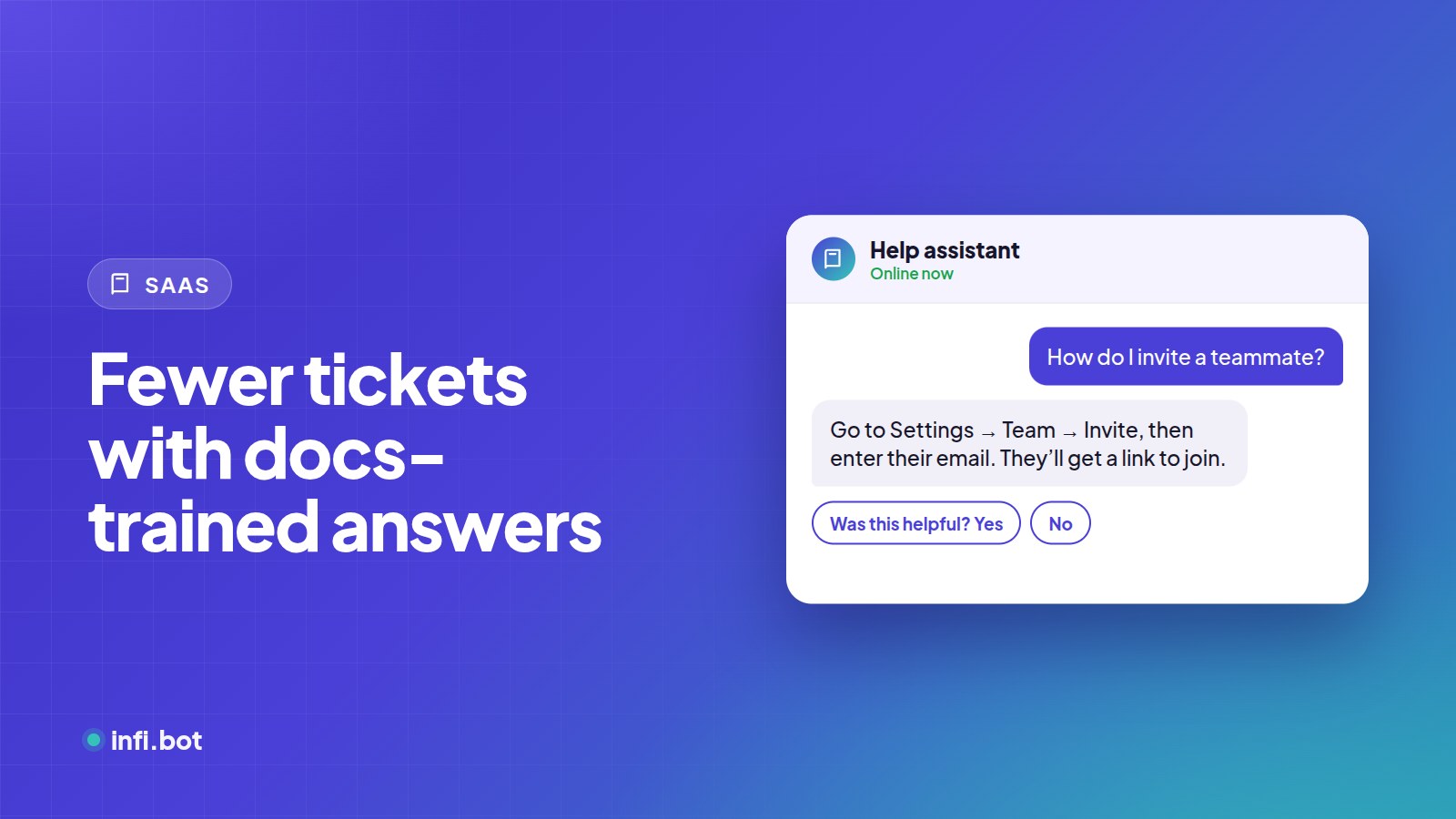
TL;DR: Most SaaS tickets ask how to do something your docs already explain. A chatbot trained on your help centre answers those instantly, while billing issues, bugs and sales-ready trial users go to people.
Which tickets can a chatbot handle?
| Ticket type | Chatbot? |
|---|---|
| "How do I…" questions | Yes |
| Plan and feature questions | Yes |
| Integration setup steps | Yes |
| Bugs and errors | Collect details, hand over |
| Billing disputes and refunds | Hand over |
| Enterprise and custom deals | Hand over to sales |
Setting it up
- Approve your docs, help centre and pricing pages. Leave out changelogs older than a year.
- Upload PDF guides or onboarding decks.
- Add the instruction: "If the docs don't cover it, say so and offer to create a ticket."
- Add handover keywords: "bug", "error", "refund", "cancel", "enterprise".
- Send handovers and sales leads to email or your CRM via webhook.
Measure deflection honestly
Counting every chat that didn't become a ticket overstates success. Some users just gave up. Better signals are:
- Users who said the answer helped
- Fewer repeat tickets on topics the bot covers
- Fewer tickets per active customer over time
Turn support into sales
Trial users asking about limits, SSO or team plans are close to buying. Treat those as leads and route them to sales.
Keep docs and bot in sync
Set a re-scrape interval so the bot picks up docs changes automatically. Read how to keep your chatbot accurate.
See the SaaS solution.
Frequently asked questions
Can it go inside my app as well as the marketing site?
Yes. The same embed works on both, and you can use separate bots with different knowledge.
Will it answer from outdated docs?
Only if they're still in its sources. Remove or update old pages.
Can it create tickets?
It can collect the details and send them to your helpdesk through a webhook.